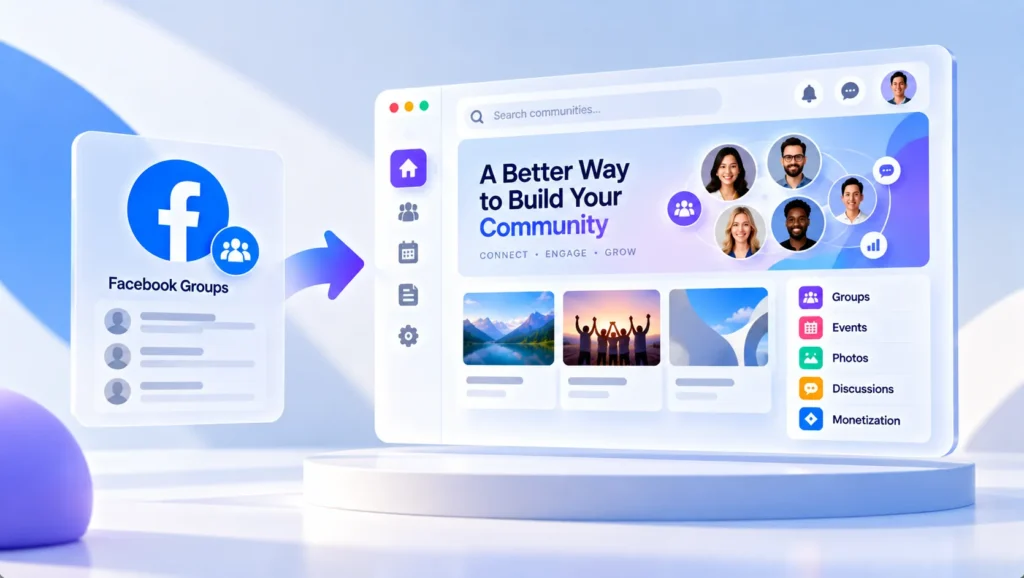
Facebook Groups used to be the default answer for anyone wanting to build an online community. It’s free, people are already on it, and getting started takes about five minutes. That’s hard to argue with — especially early on.
But the same platform that makes it easy to start also makes it hard to grow. The algorithm decides who sees your posts. You don’t own your member data. Your community lives inside a feed full of ads and distractions. And if Facebook changes its rules tomorrow, there’s nothing you can do about it.
That’s why in 2026, more businesses, creators, and community builders are actively replacing Facebook Groups with platforms that give them real data ownership, better member experience, and tools built for long-term growth — not for keeping people scrolling on someone else’s app.
This guide breaks down the best Facebook Groups alternatives by who they’re built for, so you can find the right fit without reading through options that don’t apply to you.
Overview of Facebook Groups
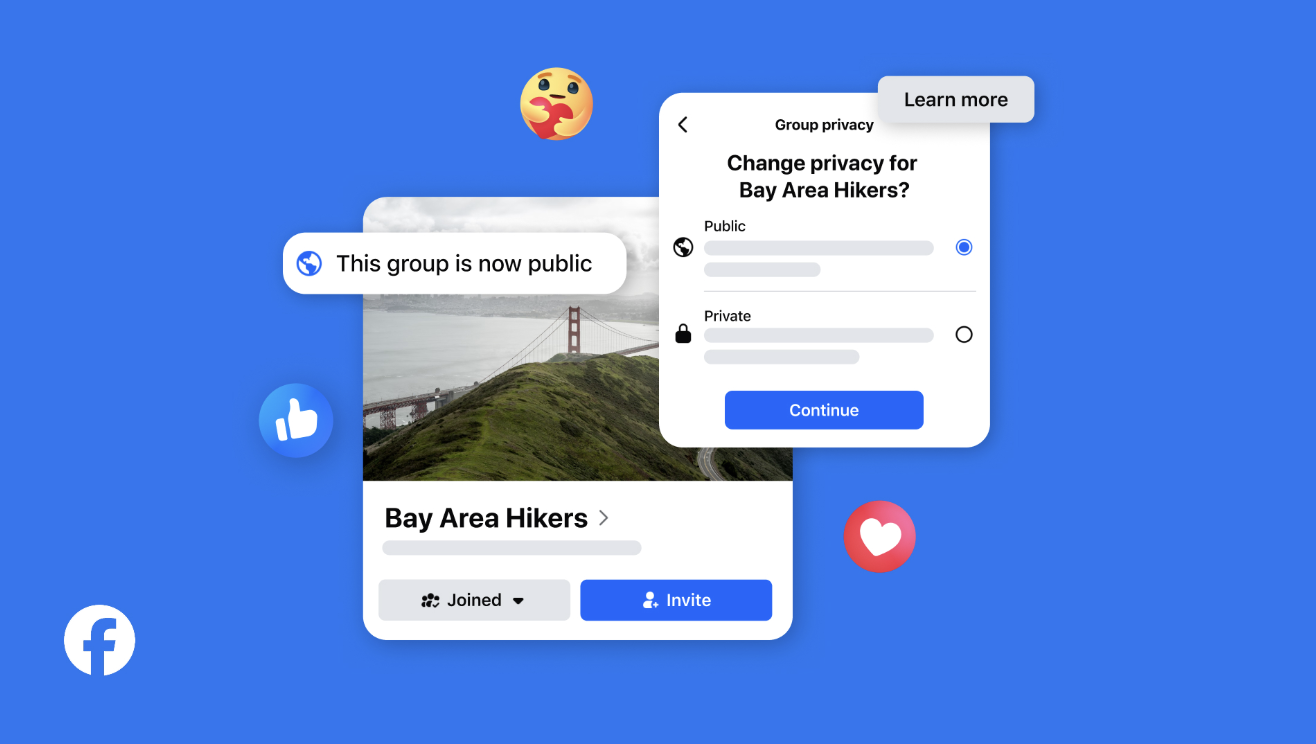
Facebook Groups is a feature built into Facebook that lets people gather around a shared interest, topic, or goal. Anyone with a Facebook account can create a group, invite members, and start posting — discussions, photos, videos, polls, events, files. It’s essentially a walled-off space inside Facebook where a specific group of people can interact without it showing up on the main feed.
Groups can be public (anyone can find and join), private (visible but requires approval), or secret (invite-only, doesn’t appear in search). For businesses and creators, private groups are the most common setup — they create a sense of exclusivity and make it easier to manage who’s in the community.
On paper, the feature set is decent. You get member management, basic analytics for groups over 250 members, the ability to link up to 200 groups to a Facebook Page, and some built-in tools for selling products or promoting events directly within the group.
Overall, Facebook Groups offer a simple and accessible way to build an engaged community, strengthen your brand presence, and create new opportunities for growth and monetization.
Facebook Groups Pros
- Super easy to set up and use, even for users with little technical experience.
- Makes it simple to attract, organize, and engage people around shared interests.
- Leverages Facebook’s massive user base, making community discovery and growth more accessible.
- Includes built-in engagement tools such as discussions, polls, events, live streams, and notifications.
- Provides insights and analytics to help administrators understand member activity and content performance.
- Offers opportunities to promote products, services, events, and external content to an engaged audience.
- Free to create and manage, making it a low-cost option for building an online community.
Facebook Groups Cons
- Limited ownership and control, as your community operates entirely on Facebook’s platform.
- Organic reach can be unpredictable and is heavily influenced by Facebook’s algorithms.
- Monetization options are limited compared to dedicated community platforms designed for memberships, courses, or subscriptions.
- Content organization can become difficult as communities grow, making it harder for members to find valuable discussions and resources.
- Customization options are minimal, offering little flexibility to create a unique branded experience.
- Scaling and managing large communities often requires significant moderation effort.
- Changes to Facebook’s policies, features, or algorithms can directly impact your community’s visibility and growth.
- Concerns around privacy, data ownership, and platform dependency may discourage some users from fully engaging with the community.
Why are businesses looking for Facebook Groups Alternatives?
Because Facebook Groups was never really designed for community builders — it was designed for Facebook. The platform’s goal is to keep people scrolling, not to help your community thrive. That means your posts compete with everything else in the feed, your reach depends on an algorithm you can’t control, and the data your members generate belongs to Facebook, not to you.
For early-stage communities or casual interest groups, that trade-off is fine. But for businesses, creators, and organizations treating community as a serious long-term investment, those limits start to hurt — and they don’t get better over time.
No data ownership. Your member list, their contact info, their activity — all of it lives on Facebook’s servers. If your group gets flagged or the platform changes direction, you could lose everything overnight. A private online community platform you control doesn’t have this problem.
The algorithm works against you. Facebook’s algorithm is built to keep people on Facebook, not to help your community thrive. Organic reach has been declining for years. Many posts simply don’t reach the people who signed up to see them.
No monetization tools. Want to charge for access, sell a course, or create membership tiers? Facebook Groups doesn’t support any of that natively. Most paid membership community platforms do this out of the box.
Zero branding. Your community looks like every other group on the platform. There’s no white label option, no custom domain, no way to make it feel like yours.
No SEO value. Content posted inside a Facebook Group is invisible to Google. All those discussions your members are having? None of it helps your website rank.
These aren’t small inconveniences — they’re structural limits that get more painful as your community grows.
What to Look for in a Facebook Groups Alternative
Most people shopping for a Facebook Groups replacement focus on features — and that’s the wrong starting point. The better question is: what does Facebook Groups actually cost you that doesn’t show up on any invoice?
It costs you your audience data. It costs you reach every time the algorithm deprioritizes your posts. It costs you the ability to charge for access, build a branded experience, or move your community somewhere else if you need to. None of that feels urgent on day one — but it compounds fast.
So when evaluating alternatives to Facebook Groups, here’s what actually matters:
- Data ownership — Can you export your full member list, emails, and activity history anytime? If not, you don’t really own your community.
- Custom branding — Does the platform disappear into the background, or does your brand take center stage? Your members should feel like they’re in your space, not a generic product.
- Monetization built in — Paid memberships, gated content, tiered access — these shouldn’t require third-party workarounds. If you ever want to make money from your community, the platform needs to support it natively.
- Real moderation controls — Who gets in, what they can post, how disputes get handled. A serious online community software gives you real admin infrastructure.
- No algorithmic interference — When you post something, your members should see it. Not a percentage of them — all of them.
One more thing worth asking: what happens if the platform shuts down, gets acquired, or changes its pricing model? The best self-hosted community platforms are ones where you hold the leverage — not the vendor.
With that in mind, here are the best options in 2026 — grouped by who they’re actually built for.
For Businesses & Brands
If you’re running a company, membership organization, or niche community and need full control over your brand and data — this is your category. These platforms are built around data ownership and white-label customization, not engagement metrics that benefit someone else’s platform.
1. phpFox
Best for: entrepreneurs, niche community managers, and small businesses looking to build self-hosted, Facebook-like social networks or branded online communities.
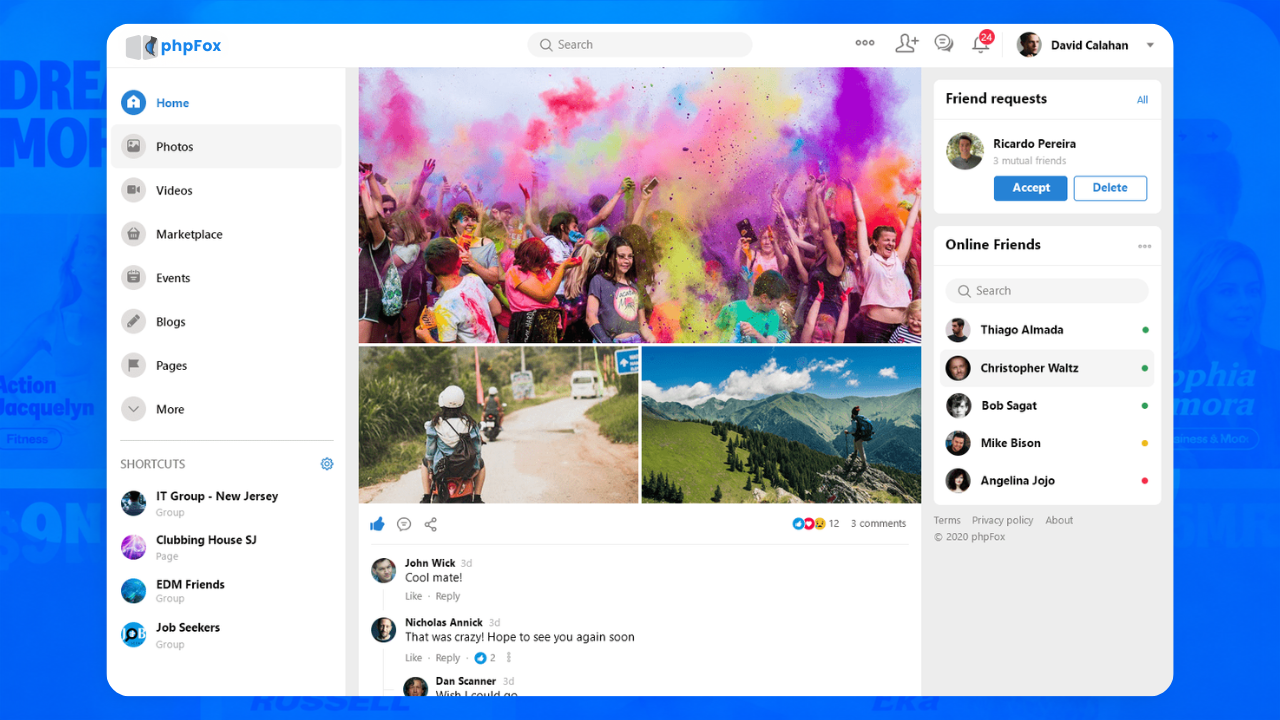
phpFox is a self-hosted community platform that enables small businesses to build branded online communities with 100% ownership of their data, audience, and platform. It combines social networking features, membership monetization, mobile apps, marketplace functionality, and extensive customization options in a single solution.
You get activity feeds, groups, member profiles, messaging, forums, photo and video sharing, and notifications — everything you’d expect from a social network, but under your own brand and domain. It’s one of the strongest Facebook Groups alternatives for businesses that need real infrastructure, not just a prettier interface.
Top Features of phpFox
- Fully branded community platform under your own domain and brand.
- Activity feed with posts, comments, reactions, mentions, hashtags, and media sharing.
- Create unlimited member groups and communities with customizable privacy settings.
- Built-in membership subscriptions and monetization tools.
- Flexible payment gateway support, including PayPal, Stripe, Authorize.Net, CCBill..
- Marketplace to buy and sell products or services within your community.
- Real-time messaging, group chats, voice messages, and video calling capabilities.
- Events, polls, quizzes, and live engagement tools to increase participation.
- Mobile apps available for iOS and Android, including branded mobile app options.
- Extensive customization through themes, apps, APIs, and developer-friendly architecture.
- Member management, moderation tools, and advanced privacy controls.
- Multi-language, and multi-currency support for global communities.
- Powerful AdminCP and management tools.
phpFox Pros
- Complete ownership of your platform, data, and audience.
- No dependence on social media algorithms or third-party platform policies.
- Multiple monetization opportunities through subscriptions, memberships, marketplace listings, sponsored content, and more.
- White-label experience with your own branding across web and mobile apps.
- Highly customizable with thousands of possible use cases and integrations.
- Scalable solution suitable for niche communities, social networks, membership sites, creator communities, and business communities.
- Strong engagement features including activity feeds, groups, messaging, events, and video content.
- Native mobile apps help increase member retention and daily engagement.
- Large ecosystem of apps, themes, and add-ons available through the phpFox App Store.
- Self-hosted architecture gives you full control over hosting, security, and customization.
phpFox Cons
- Requires hosting and initial setup compared to fully hosted SaaS platforms.
- Some advanced customizations may require technical knowledge or developer assistance.
- White-label mobile apps and certain premium apps may involve additional costs.
- The extensive feature set may require some onboarding time for new administrators.
2. ShaunSocial
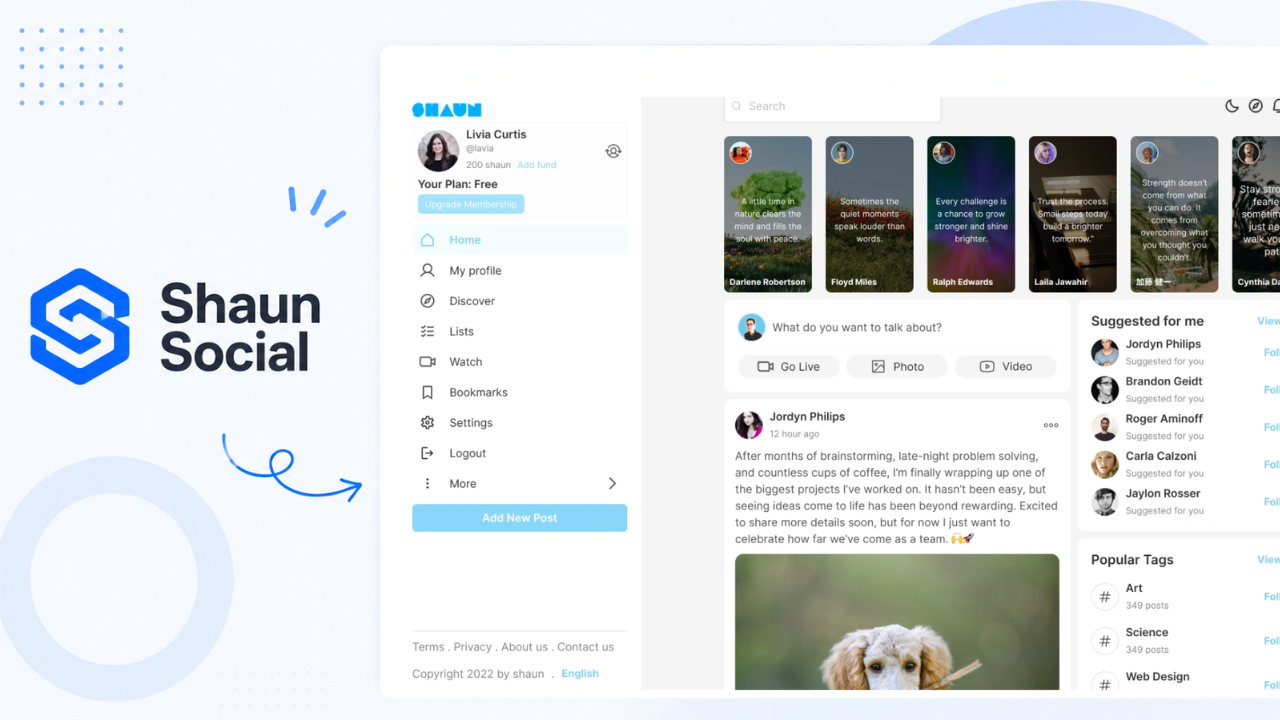
Best for: Entrepreneurs, startups, and community managers looking to launch a Facebook-like social network with native mobile apps
ShaunSocial is a self-hosted social networking platform built on Laravel that helps businesses launch Facebook-style communities under their own brand. It includes core social features such as activity feeds, profiles, groups, pages, stories, short-form videos, messaging, and marketplace functionality. The platform also offers native iOS and Android apps for mobile-first communities.
Top Features of ShaunSocial
- Activity feeds, profiles, pages, and groups.
- Stories and short-form video (Vibbs/Reels).
- Real-time chat and notifications.
- Marketplace and classified listings.
- Subscription and membership management.
- eWallet and monetization tools.
- Native iOS and Android apps.
- AI chatbot integration.
- Multi-language support and social login.
- REST API and full source code access.
Shaun Social Pros
- Native mobile apps available.
- One-time license with source code access.
- Includes many social networking features out of the box.
- Built-in monetization tools such as subscriptions and eWallet.
- White-label branding support.
ShaunSocial Cons
- Smaller extension ecosystem compared to more established platforms.
- Fewer third-party apps and integrations.
- Smaller user and developer community.
- Some advanced features depend on premium plugins or packages.
For Creators & Coaches
If you’re a creator, coach, or educator who wants to monetize a community — run paid memberships, sell courses, or build a knowledge business — this is your category. These paid membership community platforms are built around making money from your audience, not just organizing them.
3. Circle — Best for paid membership communities
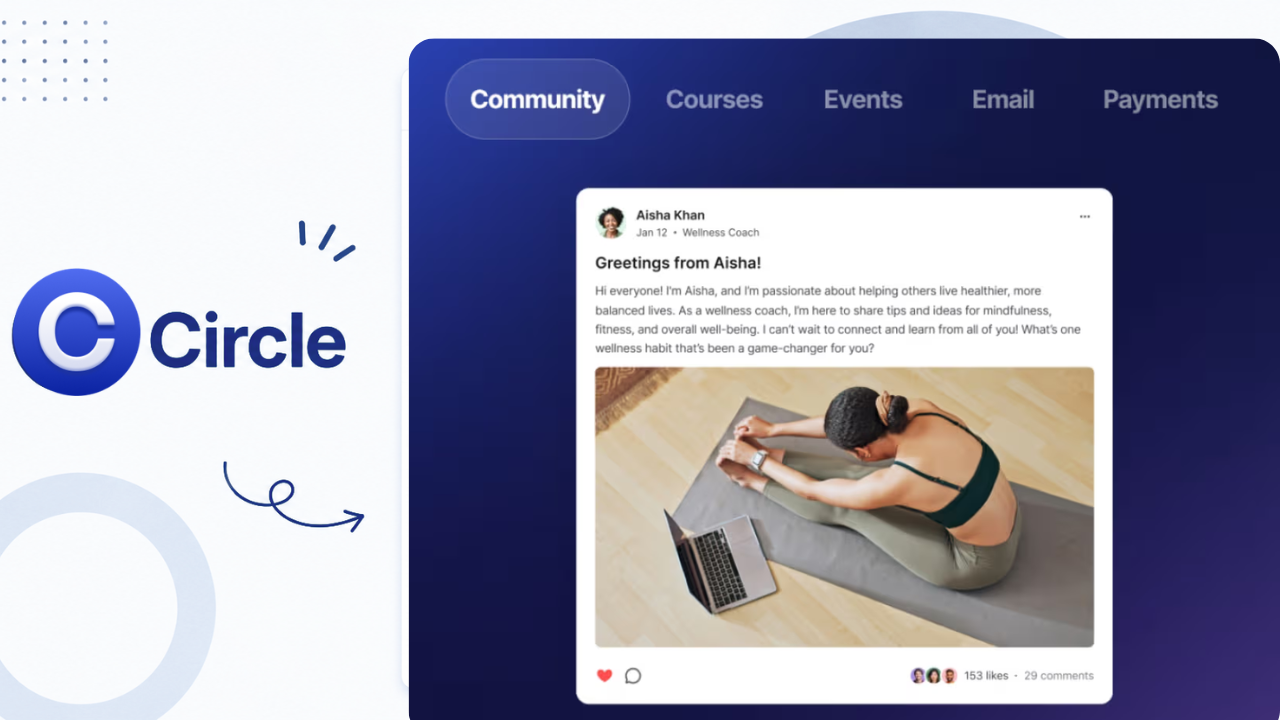
Best for: Creators and coaches building paid communities or membership programs.
If you’re a creator, coach, or educator who wants to monetize a community — run paid memberships, sell courses, or build a knowledge business — this category is for you.
Circle has become one of the go-to community platforms for creators in recent years. It’s clean, purpose-built for community, and not bolted on as an afterthought to something else. You can set up spaces for different topics, gate content behind paywalls, run events, and connect with tools like Zapier or your email platform.
What to watch: Monthly fees start around $89/month, and you’re still dependent on Circle’s infrastructure. You don’t own the platform.
Top Features of Circle
- Live streaming with co-host support.
- Community Spaces with flexible privacy settings.
- Native mobile apps for iOS and Android.
- AI-powered assistant (Circle AI).
- Custom branding options.
- Courses, events, and memberships.
- Direct messaging and group discussions.
Circle Pros
- Easy to set up and manage.
- Clean and user-friendly interface.
- Supports text, audio, video, and file sharing.
- Good moderation and community management tools.
- Built-in live events and member discussions.
Circle Cons
- Transaction fees apply on some plans.
- Limited sales and marketing features compared to dedicated course platforms.
- Advanced features require higher-tier plans.
4. Mighty Networks — Best for community + courses combined
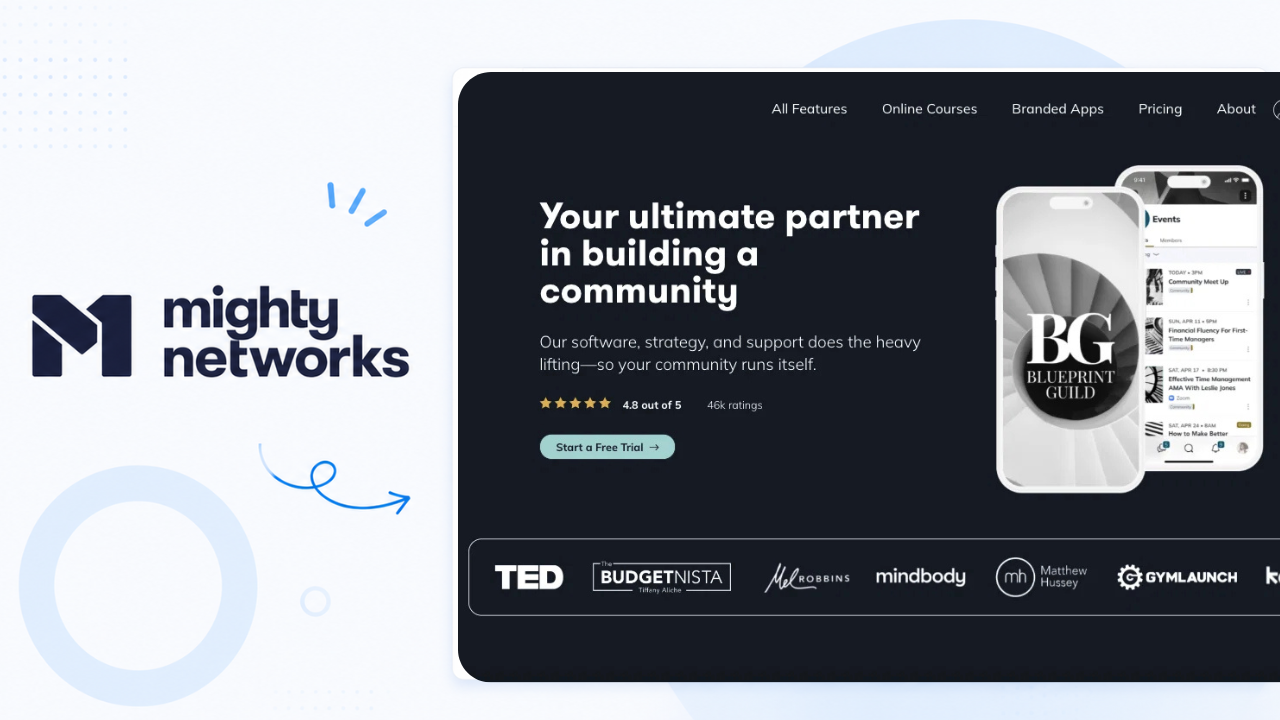
Best for: Creators and educators who want to combine community with online courses and live events. If you’re building a “community + courses” business, Mighty Networks handles both without stitching together separate tools.
Mighty Networks is one of the most established names here. It combines community features with courses, live events, and membership tools — all under one roof.
Members can create posts, join discussions, send messages, and participate in dedicated Spaces organized around specific topics or programs. Community owners can also host live events, offer premium memberships, and sell digital products directly through the platform.
Available on both web and mobile, Mighty Networks makes it easy to manage your community, engage members, and grow your business from anywhere.
Top Features of Mighty Networks
- Community discussions, messaging, and member profiles.
- Dedicated Spaces for topics, groups, and memberships.
- Built-in courses, memberships, and events.
- Live streaming and member engagement tools.
- Native mobile apps for iOS and Android.
- Custom branding with logos, colors, and layouts.
- AI-powered features through Mighty Co-Host.
- Integrated payment processing for paid communities.
Mighty Networks Pros
- Combines community, courses, and memberships in one platform.
- Strong mobile experience for creators and members.
- Multiple monetization options.
- Easy to launch and manage.
- Flexible organization through Spaces.
Mighty Networks Cons
- Monthly subscription costs can add up over time.
- Limited customization compared to self-hosted platforms.
- Some advanced features require higher-tier plans.
5. Kajabi — Best for Course-Based Businesses
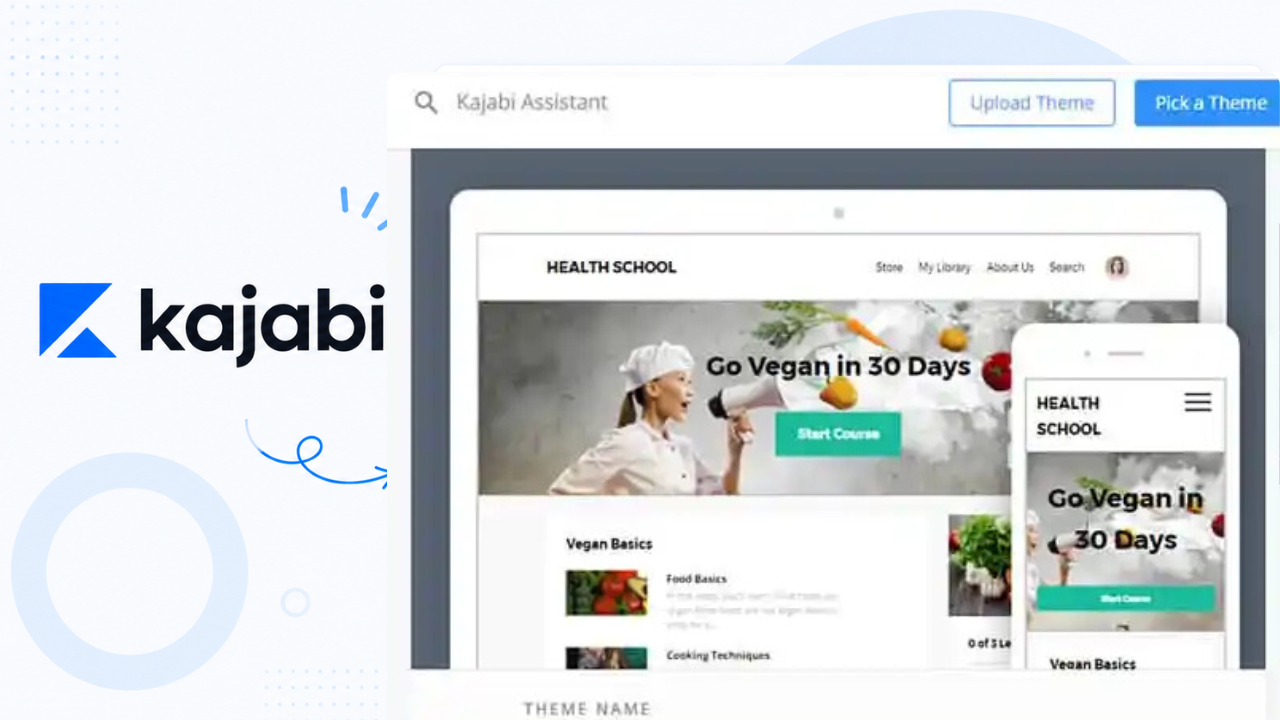
Best for: Creators and educators who prioritize courses, coaching, and digital product sales.
Kajabi is primarily a course platform.
The platform includes a community area where members can participate in discussions, engage with content, and connect with other learners. Combined with live events and coaching features, Kajabi offers a complete ecosystem for knowledge-based businesses.
Overall, Kajabi is a strong option for creators who prioritize course creation, marketing, and sales while maintaining a community experience.
What to watch: Starting around $149/month, it’s expensive if you only need the community piece.
Top Features of Kajabi
- Online courses, memberships, and coaching products.
- Built-in email marketing and automation tools.
- Landing pages and sales funnel builder.
- Community discussions and member engagement.
- Native mobile apps for creators and members.
- AI-powered content creation tools.
- Quizzes, assessments, and course certificates.
- Coupons, free trials, and upsell features.
Kajabi Pros
- Combines courses, marketing, and community tools in one platform.
- Easy-to-use website and page builder.
- Strong sales and email automation features.
- Mobile-friendly experience.
- Suitable for creators, coaches, and educators.
Kajabi Cons
- Higher pricing compared to many community platforms.
- Community features are less advanced than dedicated community solutions.
- Limited customization options in some areas.
- Transaction and platform costs can increase as your business grows.
For Developer & Tech Communities
If your audience is technical — developers, designers, or power users who want real-time conversation — this category fits better than a traditional forum-style platform.
6. Discord — Best for real-time, chat-first communities
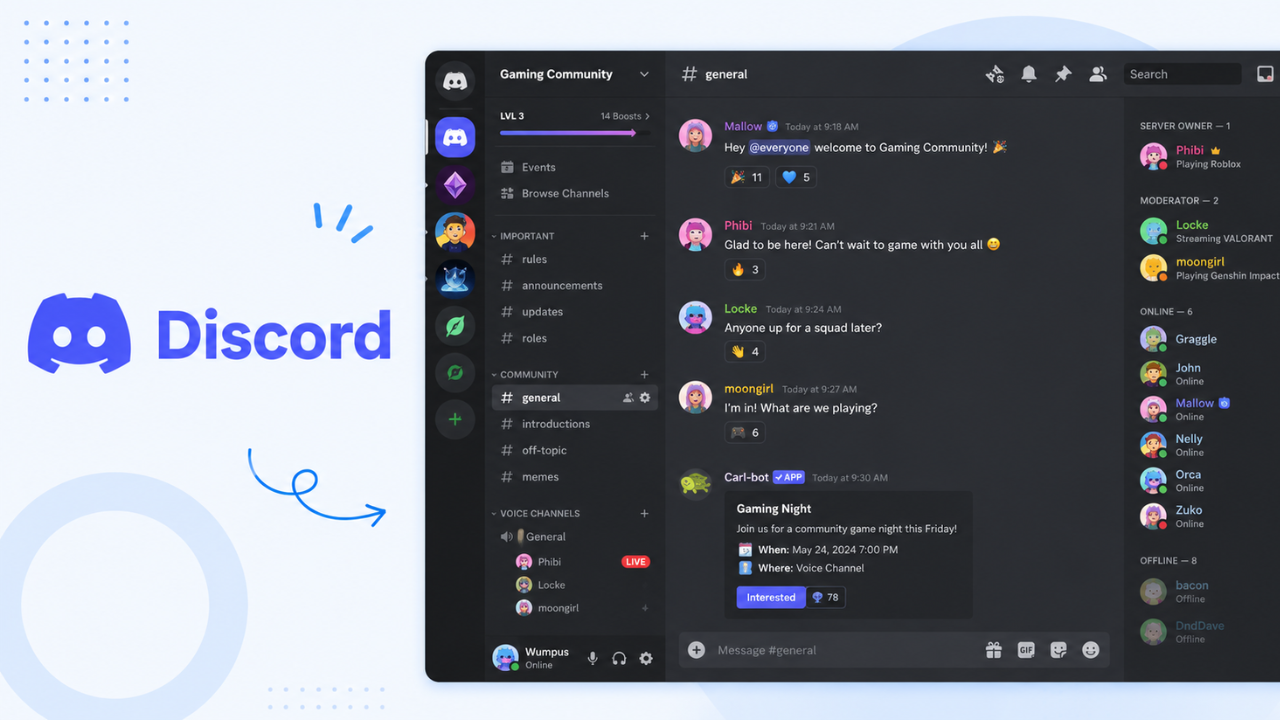
Best for: Developer communities, gaming groups with highly active audiences who want instant interaction. Discord communities tend to be more active for this specific group than most other platforms.
Discord is a communication platform that allows communities to connect through text, voice, and video channels. Originally popular among gamers, it has expanded into creator, education, business, and interest-based communities. Its real-time communication features make it a popular Facebook Groups alternative for highly engaged communities.
Top Features of Discord
- Text, voice, and video channels.
- Direct messaging and group chats.
- Screen sharing and live streaming.
- Community servers with customizable roles and permissions.
- Events and announcement channels.
- Third-party bot integrations and automation.
- Native desktop and mobile apps.
- Community moderation tools.
Discord Pros
- Free to get started.
- Excellent real-time communication experience.
- Strong voice and video capabilities.
- Large ecosystem of bots and integrations.
- Mobile and desktop apps available.
Discord Cons
- Limited branding and customization options.
- No ownership of platform or member data.
- Content can be difficult to organize and discover over time.
- Limited built-in monetization features.
- Not ideal for structured content, memberships, or online courses.
What to watch: Not built for async discussion or content discovery. Threads get buried fast. And like Facebook, Discord owns your community — not you.
For Internal team collaboration
Slack
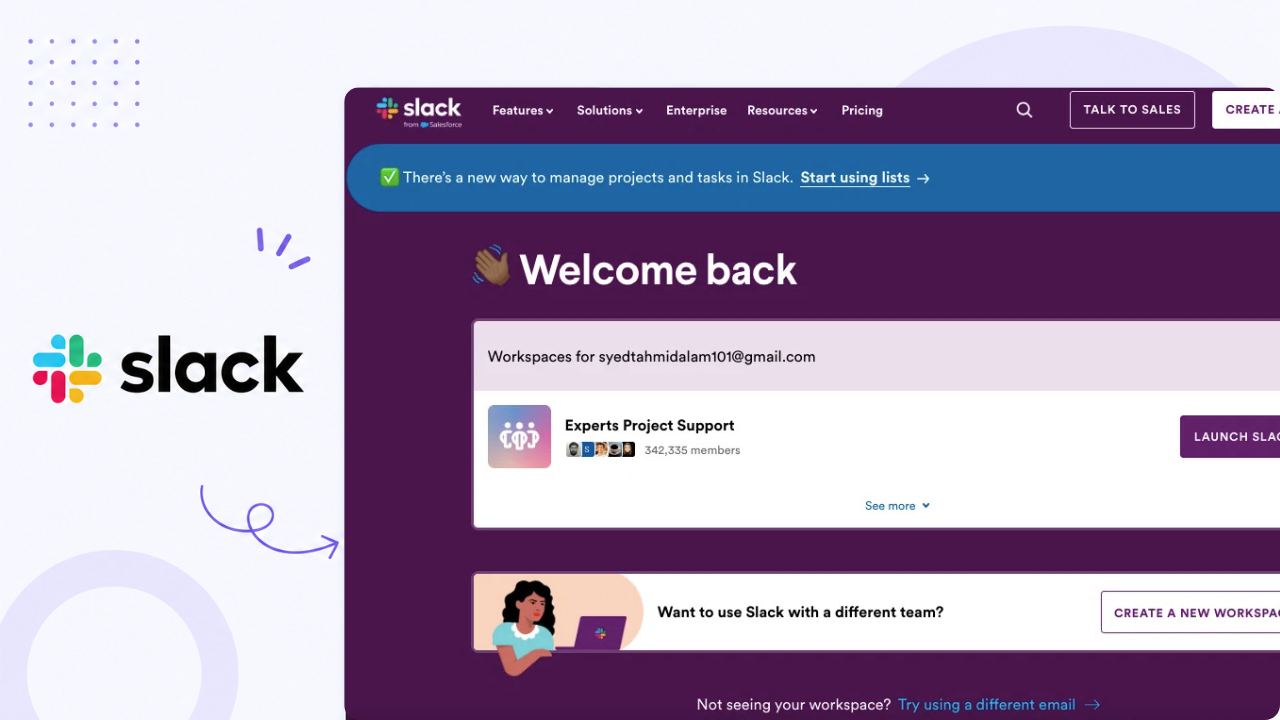
Slack is a team communication platform that helps groups collaborate through channels, direct messages, voice calls, and file sharing. While primarily designed for workplaces, many creators, startups, and professional communities use Slack to keep members connected and organized.
Best for: Professional communities, teams, and business-focused groups that prioritize communication and collaboration.
Top Features of Slack
- Organized channels for discussions and projects.
- Direct messaging and group chats.
- Huddles for quick audio conversations.
- Voice and video calls.
- File sharing and searchable message history.
- Slack AI capabilities.
- 2,500+ app integrations.
- Mobile and desktop apps.
Slack Pros
- Easy to use and set up.
- Strong communication and collaboration tools.
- Extensive integration ecosystem.
- Great for professional and business communities.
- Available across web, desktop, and mobile.
Slack Cons
- Limited community-building and social networking features.
- No built-in monetization tools.
- Free plan has message history limitations.
- Can become difficult to manage as communities grow.
- Limited branding and customization options.
What Is the Best Alternative to Facebook Groups?
There’s no single answer that fits everyone — the right platform depends on what you’re building and how much control you need.
But if you’re a business, brand, or organization that wants to move completely off third-party infrastructure, phpFox is one of the strongest options available. It’s a self-hosted social networking platform, which means your community runs on your own server, under your own domain, with your own branding — no algorithm, no platform risk, no data sharing with anyone.
Final Thoughts
Facebook Groups still works — for certain things, at certain stages. It’s fine for testing an idea or pulling in your first members. But if you’re treating community as a real part of your business or creator strategy, you’ll eventually run into walls Facebook can’t help you get past.
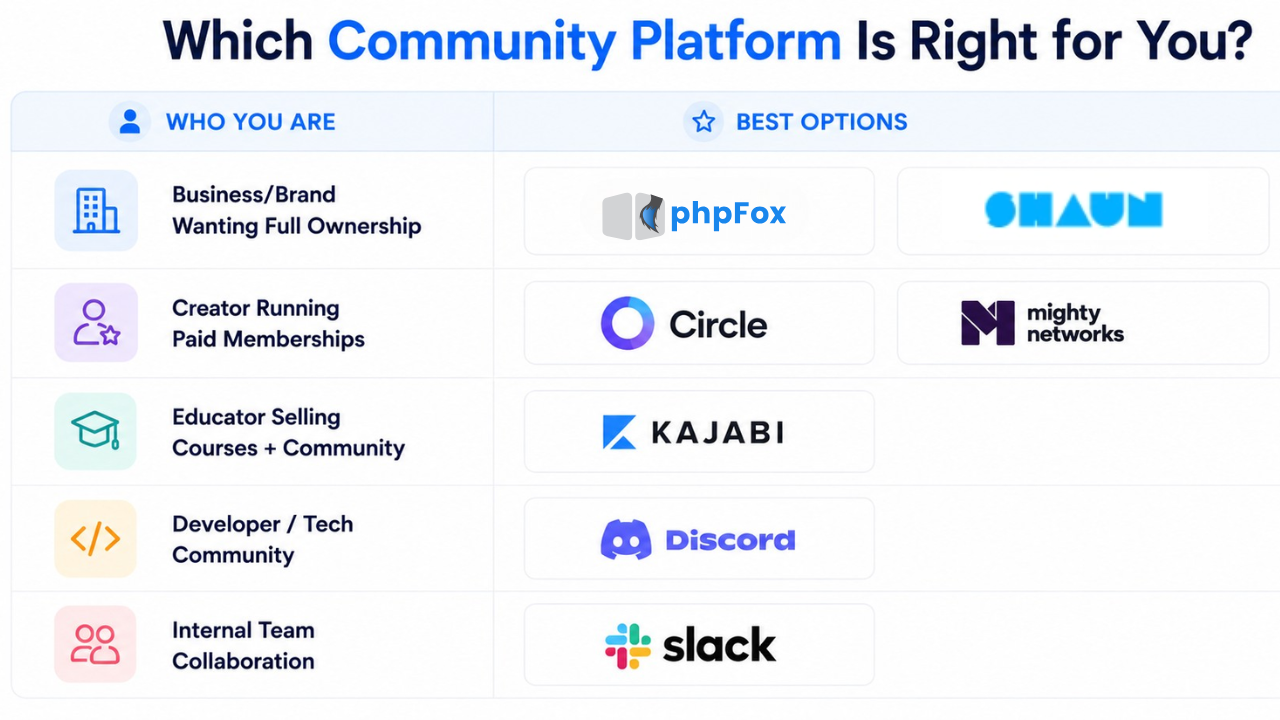
The right platform depends on who you are, who’s your target audience and what you’re building. If you’re a business that wants full ownership with no dependency on third parties, phpFox is one of the strongest options available. If you’re a creator who wants to move fast and monetize a membership, Circle or Mighty Networks are worth a serious look.
Whatever you choose, the move away from Facebook Groups is less of a question of if and more a question of when.