

Finding the right social networking software isn’t as simple as searching “best social networking software” and picking the first name on the list. It starts with asking the right questions.
Most comparison articles focus on feature checklists—feeds, groups, messaging, events, mobile apps. The truth is, most modern platforms already offer these. What really separates one platform from another is how well it fits your long-term goals.
Are you looking for a simple platform to launch quickly? Or are you building a branded community that will become a long-term asset for your business? Do you want the convenience of a hosted SaaS platform, or complete ownership over your data, branding, and infrastructure? These are the questions that matter far more than whether a platform has one extra feature.
In this guide, we’ll compare 7 of the most popular social networking software available today. Rather than declaring a single winner, we’ll walk through where each one shines, where it falls short, and which type of business it’s best suited for—so you can choose with confidence instead of simply following the crowd.
What Is Social Networking Software?
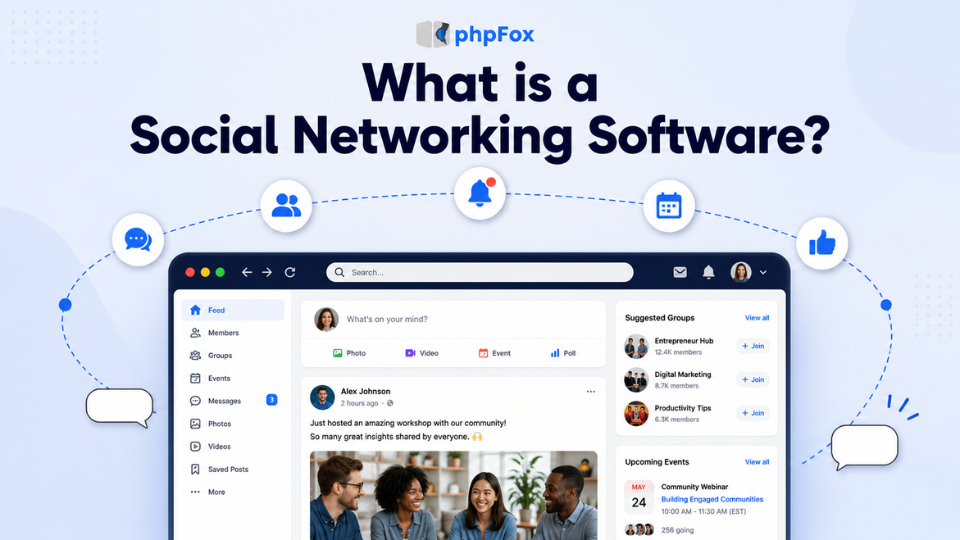
Social networking software is a platform that lets you create and manage your own online community. It gives your members a place to create profiles, join groups, share content, send messages, and interact with each other—all under your own brand.
Unlike public social media like Facebook, you’re not building your community on someone else’s platform. You have greater control over your branding, member data, community experience, and how your platform grows over time.
That’s why more businesses, membership organizations, educational institutions, and creators are choosing dedicated social networking software instead of relying solely on Facebook Groups or other social media channels.
What features should you look for in Social Networking Software?
Before comparing features, there’s one important decision to make first: Should you choose a SaaS platform or a self-hosted solution?
A SaaS community platform is the fastest way to get started. The provider takes care of hosting, maintenance, and updates, so you can launch your community quickly without worrying about technical setup.
A self-hosted platform, on the other hand, gives you complete control over your data, branding, and infrastructure. While it requires more setup initially, it’s often the preferred choice for organizations building a long-term community they fully own.
Neither approach is inherently better—the right choice depends on your goals.
Explore more: If you’d like a deeper comparison, we’ve covered it in our Guide on Self-Hosted Social Network Software vs SaaS.
Subscription Management
Support for recurring billing, multiple membership tiers, free trials, and automated renewals makes managing memberships much easier as your community grows.
Transaction Fees
Look beyond the monthly subscription. Transaction fees can quickly add up, so always compare the total cost of ownership.
Role-Based Content
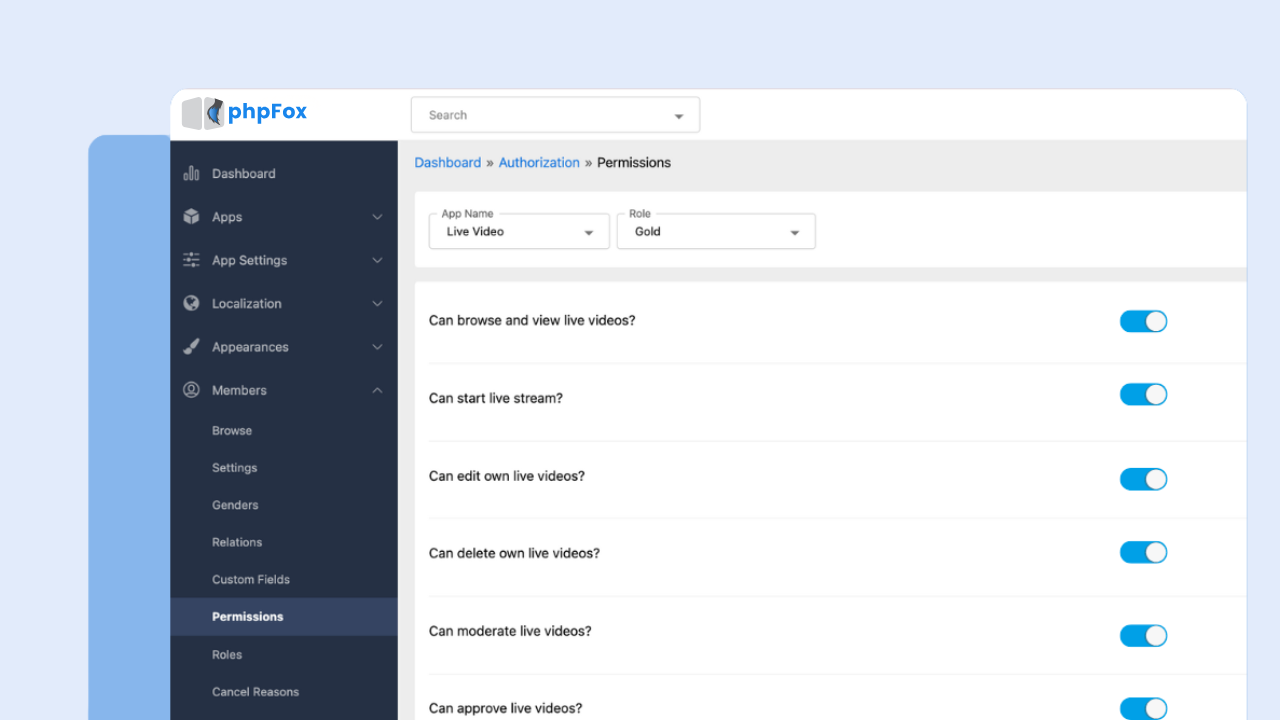
Choose a platform that lets you control content access based on user roles or membership levels, creating a more personalized community experience.
Rich Member Profiles
A detailed member profile helps people introduce themselves, showcase interests or expertise, and discover others with similar backgrounds—making networking and engagement much more meaningful.
Custom Branding & White-Label
Your community should look and feel like your brand, not someone else’s. Look for platforms that let you customize your logo, colors, domain, and overall user experience.
Integrations & API
As your community grows, especially for enterprise, you’ll likely need to connect it with CRM, email marketing, payment gateways, or other business tools. Strong API and integration support make that much easier.
7 Best Social Networking Software in 2026
Every membership business is different. Some membership community platforms are built for creators selling exclusive content, while others are designed for businesses running customer communities, membership organizations, or branded online networks.
To help you find the right fit, we’ve compared the best membership community platforms based on the factors that matter most for long-term success, including subscription management, member engagement, branding, customization, scalability, and monetization flexibility.
1. phpFox
Best for: Enterprise, organizations, and niche community builders who want full ownership of their community, data, and mobile app.
Among the best social networking software options on this list, phpFox stands out as the only fully self-hosted, white-label option. It supports native iOS and Android apps under your own brand, deep API access, and monetization through memberships and subscriptions.
Key features: You get activity feeds, rich member profiles, groups, forums, messaging, photo and video sharing, and paid membership tiers — all running under your own domain and brand. Unlike SaaS platforms, where you’re renting space, phpFox gives you the full infrastructure to run a standalone community platform as a long-term business asset.
It also comes with white-label mobile apps for iOS and Android, so your members get a native app experience under your brand — not phpFox’s.
Pros: Full data ownership, no recurring per-member fees, highly customizable, strong fit for niche and sensitive communities.
Cons: Requires more setup than a plug-and-play SaaS tool; best suited for teams ready to invest in a long-term platform rather than a quick test.
Pricing: One-time license model starting from $299, monthly subscriptions starting from $39/month

2. Circle
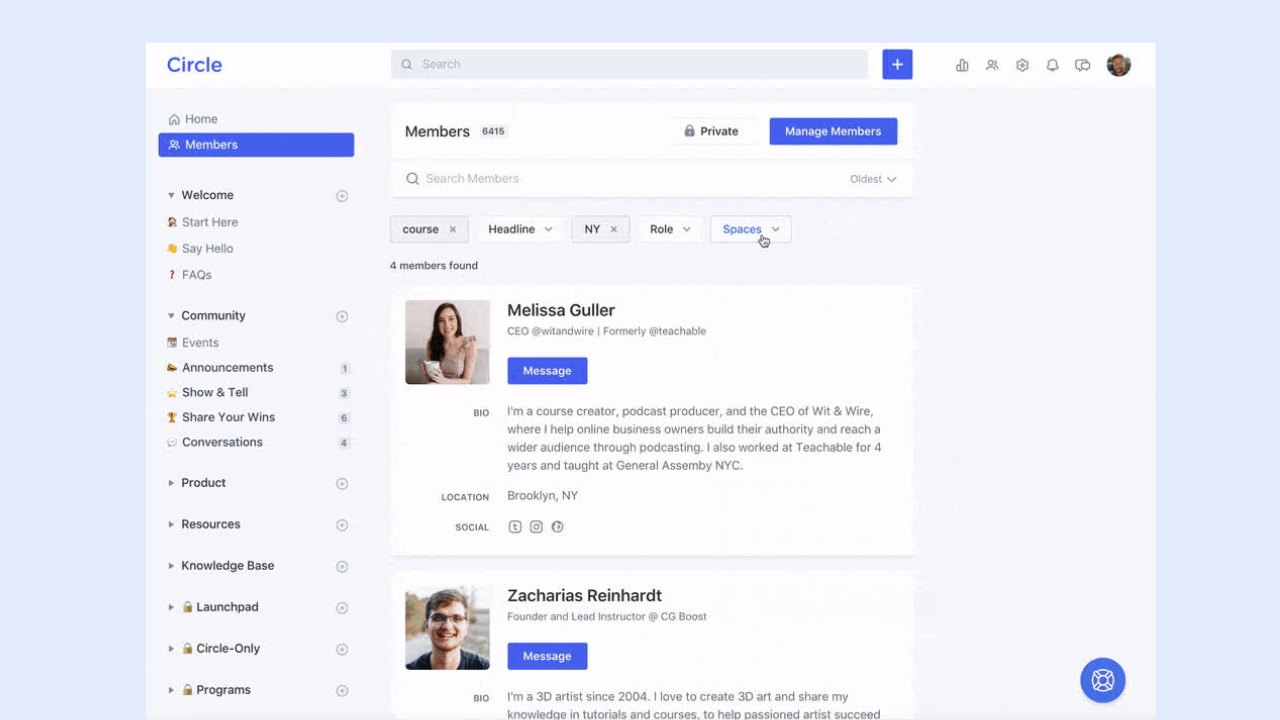
Best for: Creators, coaches, and community-led businesses running paid memberships who want a polished member experience without building from scratch.
Key features: “Spaces” for organizing topics and courses, paid membership tiers, live events, member onboarding automation, native mobile app.
Pros:
- Clean, modern UI that members actually enjoy using
- Paid membership tiers with gated Spaces and content access
- Native live events, courses, and community digests built in
- Strong automation and workflow tools for onboarding and engagement
- White-label options and branded mobile apps on higher plans
- Integrates easily with Stripe, Zapier, and email platforms
Cons:
- Monthly fees start at $89/month — cost adds up fast as you scale
- 2% transaction fee on the Professional plan cuts into revenue
- You’re on Circle’s infrastructure — platform risk if they change pricing or direction
- White-label and branded apps locked behind more expensive plans
- Less flexibility for communities that need deep custom functionality
Pricing: Plans start at $89/month, billed monthly; higher tiers unlock white-label and branded app options.
3. Mighty Networks
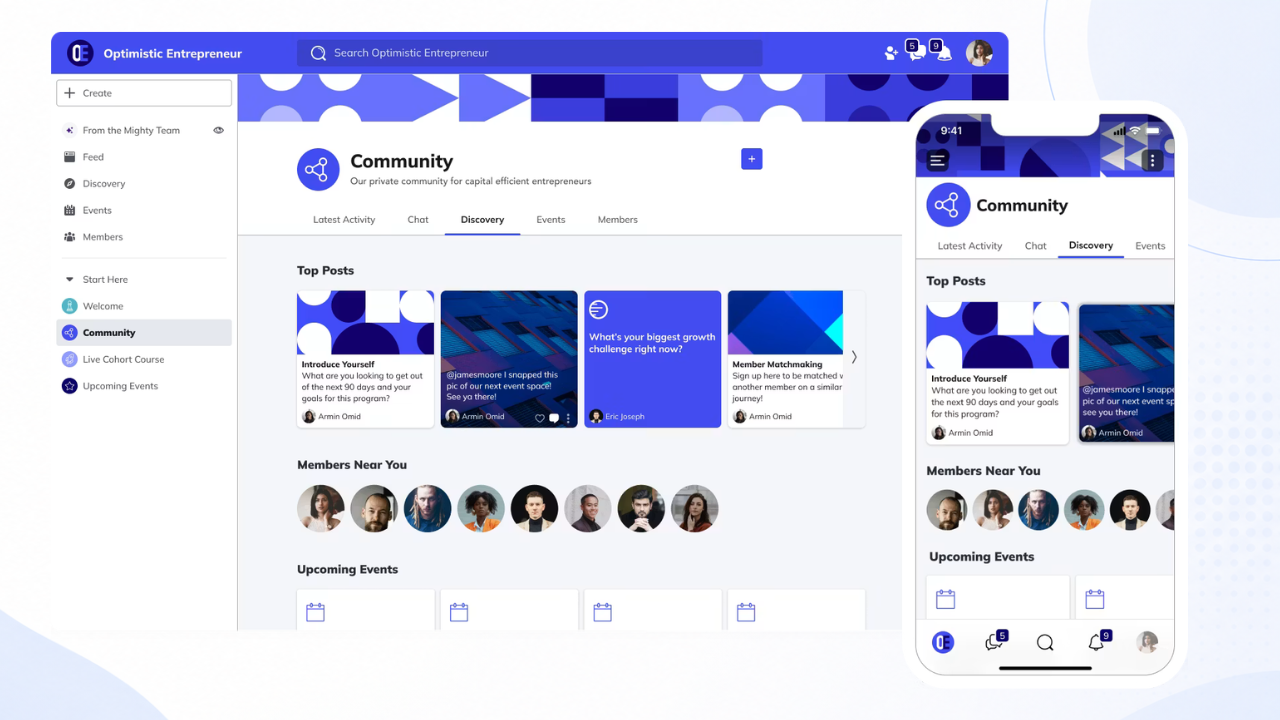
Best for: Creators and educators monetizing an audience through a mix of courses, events, and paid community access.
Key features: Community spaces, structured courses, live events, membership tiers, native branded app (on higher plans).
Pros:
- Community, courses, and events bundled into one subscription
- Native branded app available on higher-tier plans
- Strong built-in monetization and membership tiering
- Active support and resources aimed specifically at creators
Cons:
- Branded native app requires upgrading to a pricier plan
- Less flexible for businesses needing custom workflows or integrations
- Can feel like more than you need if you don’t run courses
Pricing: Plans start at $79/month, with native app branding reserved for higher tiers.
>>> See how phpFox compares to Mighty Networks
4. Kajabi
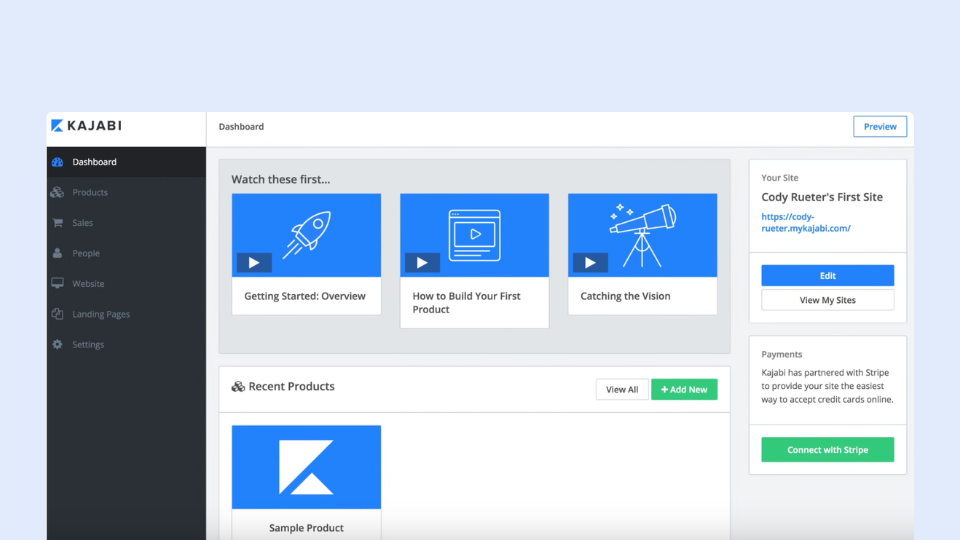
Best for: Course creators and coaches who want community bundled with sales, email, and course tools in one subscription.
Kajabi is primarily an all-in-one course and marketing platform, with community functionality included as a built-in feature rather than the main product.
Key features: Course hosting, built-in community spaces, email marketing, sales funnels, membership billing.
Pros: One subscription covers courses, marketing, and community—useful if you don’t want to stitch together separate tools.
Cons: Community is capped by plan (as few as 1 community on entry tiers), pricing starts around $179/month and climbs fast on higher tiers, plus a small transaction fee on top of the subscription. Community features feel secondary compared to platforms built around community first.
Pricing: Subscription plans from roughly $143 to $399/month.
5. Podia
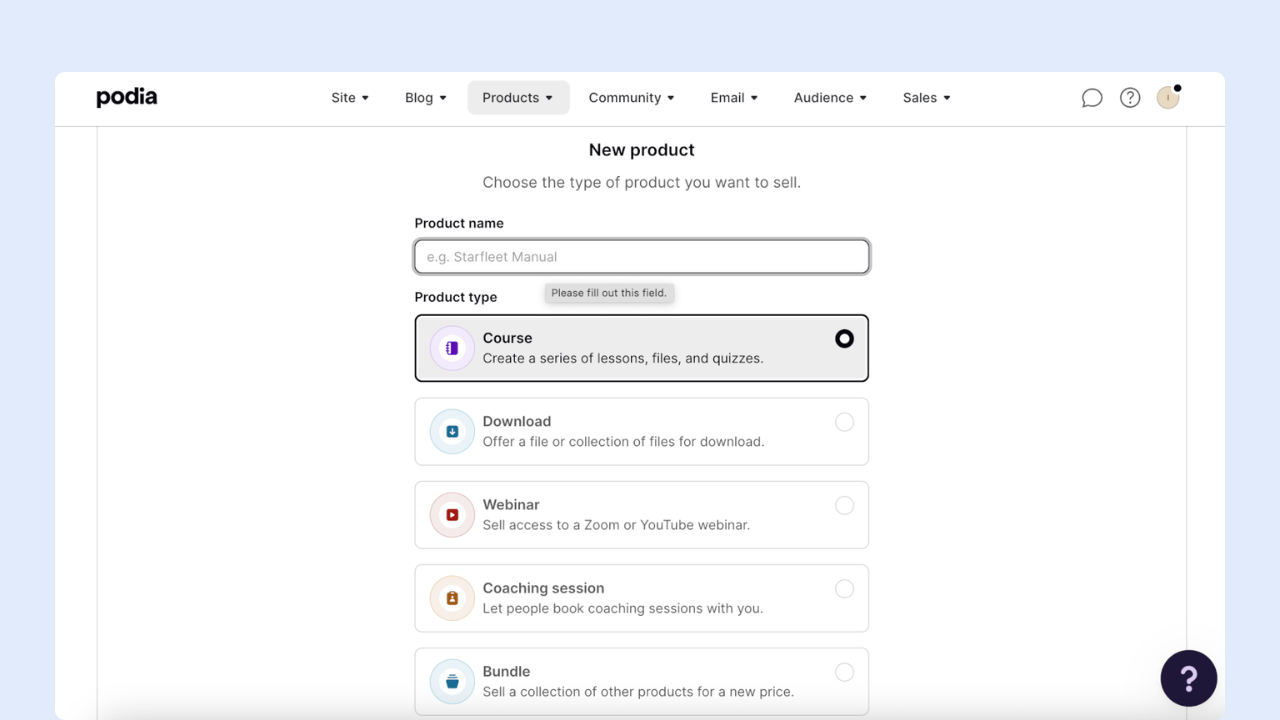
If you want to create membership community platforms around your online course, coaching service, or digital content, Podia is an attractive all-in-one solution.
It lets you build your website, sell courses and products, publish a blog, run webinars, and even manage your email marketing. What’s more, you can also build a community around your products and let members interact through posts and discussion topics.
The great news is that you can try out many of these features for free. You’ll only need to pay once you want to start selling your products and services.
Podia is best for… Coaches, educators, and content creators are looking for a simple, all-in-one solution to manage their memberships and communities.
Pros:
- One of the most complete membership platforms we’ve tested — build a website, sell online products, offer courses, and build a community
- Flexible payment options — offer one-off payments or payment plans at a cadence you specify
- Built-in email marketing features
- Can connect Stripe or PayPal to accept payments
Cons:
- Community features are basic — lacks engagement features like polls and integrated livestreaming, and members can’t message each other directly
- Website templates are limited, and Podia’s editor doesn’t offer drag-and-drop functionality
- Pricier than many other platforms (starting at $39/month), and you need to pay double that if you plan to use it for affiliate marketing
- Email marketing is a paid add-on if you have more than 100 subscribers, and automations aren’t as advanced as other platforms
6. Teachable
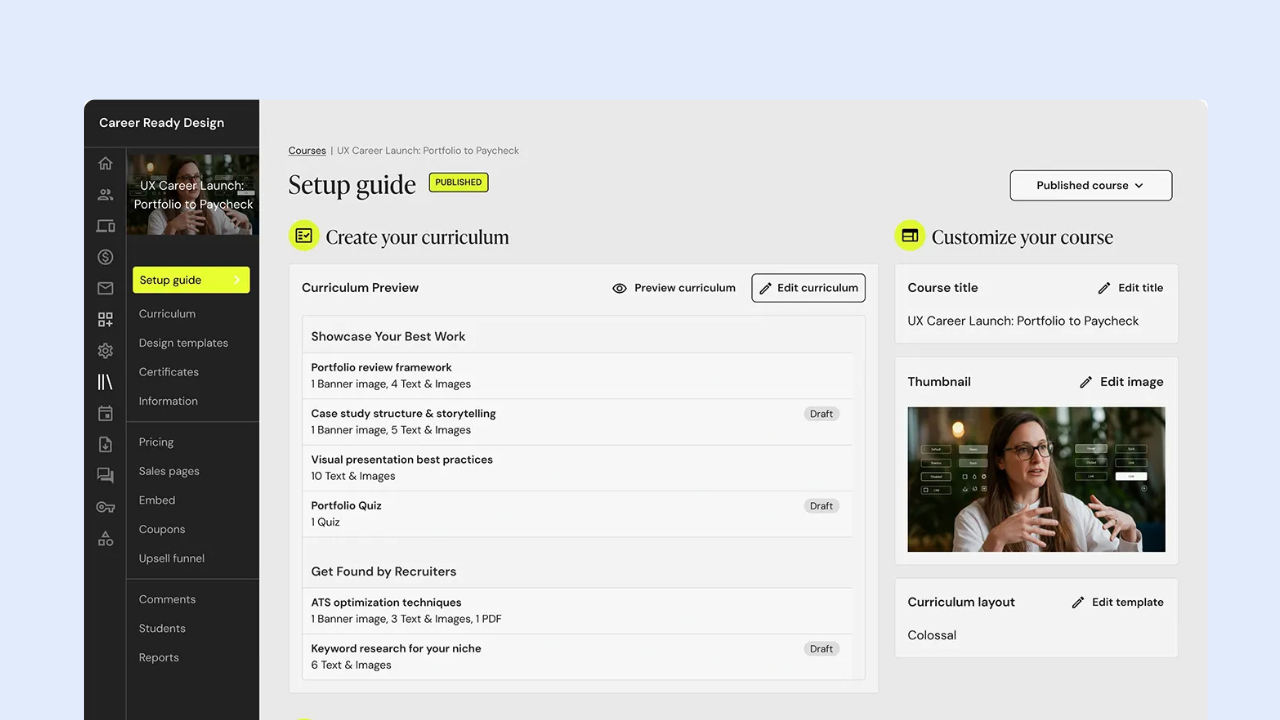
Best for: Course creators, educators, coaches, and experts who sell online courses or coaching programs and want a community to complement their learning experience.
Key features: Course hosting, quizzes and certificates, community spaces (basic discussion feature), native mobile app, built-in affiliate program.
Pros:
- Community spaces included alongside courses on paid plans
- Native mobile app bundled in from the Builder tier up
- 0% transaction fees once you’re past the entry-level Starter plan
- Well-established platform with solid course-creation tools
Cons:
- Community feature is basic — closer to a discussion add-on than a dedicated community platform
- Starter plan carries a steep 7.5% transaction fee
- No free plan; pricing rises quickly at higher tiers
- Community isn’t the core product, so depth is limited compared to community-first tools
Pricing: Starter ~$29-39/month (7.5% transaction fee).
7. Thinkific

Best for: Course creators and coaches who want a polished course builder with community features included, without treating community as an afterthought.
Key features: Unlimited courses, built-in community spaces (count scales by plan), live sessions, membership programs, API access on higher tiers.
Pros:
- Community included from the entry paid plan, with more spaces unlocked on higher tiers
- Strong, well-reviewed course builder and assessment tools
- No transaction fees in most markets, with unlimited students on every plan
- API access and deeper customization available on higher plans
Cons:
- No permanent free plan — only a 30-day trial
- Deeper community and monetization tools are gated behind pricier tiers
- Some reported billing and cancellation friction in user reviews
- Thinkific branding remains visible unless you’re on a higher plan
Pricing: Starting from ~$40-$164/month, Plus (custom enterprise pricing)
Note: Pricing is accurate as of July 2026. As pricing and plans may change over time, we recommend visiting each platform’s official website for the latest information.
FAQ
What’s the difference between social networking software and a social media platform? Social media platforms like Facebook or Instagram are public networks you don’t control. Social networking software lets you build your own branded, private community with your own rules, data, and monetization.
Is self-hosted or SaaS better for a business community? It depends on your timeline. SaaS is faster to launch and cheaper upfront. Self-hosted costs more initially but gives you full ownership and usually pays off within a couple of years, especially for larger or long-term communities.
How much does social networking software cost? Costs for the best social networking software range from free open-source tools (plus hosting) to enterprise SaaS platforms running into thousands per month. Self-hosted platforms like phpFox typically charge a one-time or tiered license instead of a recurring per-member fee.
Can I build a mobile app with social networking software? Some platforms, like phpFox, and Mighty Networks, offer native branded mobile apps.
Final Thoughts
There’s no single “best” social networking software — only the one that fits your audience, your goals, and how much ownership you actually want over the outcome. The 7 platforms above cover the range of what the best social networking software for businesses looks like in 2026, from fully self-hosted to fully SaaS.
If you’re looking for a platform you can truly call your own, phpFox is built for exactly that. With full source code ownership, extensive customization, a rich ecosystem of community features, and support for businesses of all sizes, phpFox gives you the foundation to build a community that grows with your brand.