Hey phpFox fam! We’ve got some seriously exciting news — The Live Streaming 5.1.0 is finally here, packed with exciting new features to make your live streaming easier, faster, and more fun than ever. ?
If you’ve been using our Live Streaming app, you already know it’s a powerful way to connect with your community in real time. For a while now, going live via OBS (Open Broadcaster Software) on a web browser has been fully supported, giving creators, event hosts, and influencers more control with professional-grade streams.
But we heard you loud and clear: “What if I just want to go live without all the setup fuss?” Well, this update is all about giving you more choices.
Live Streaming 5.1.0
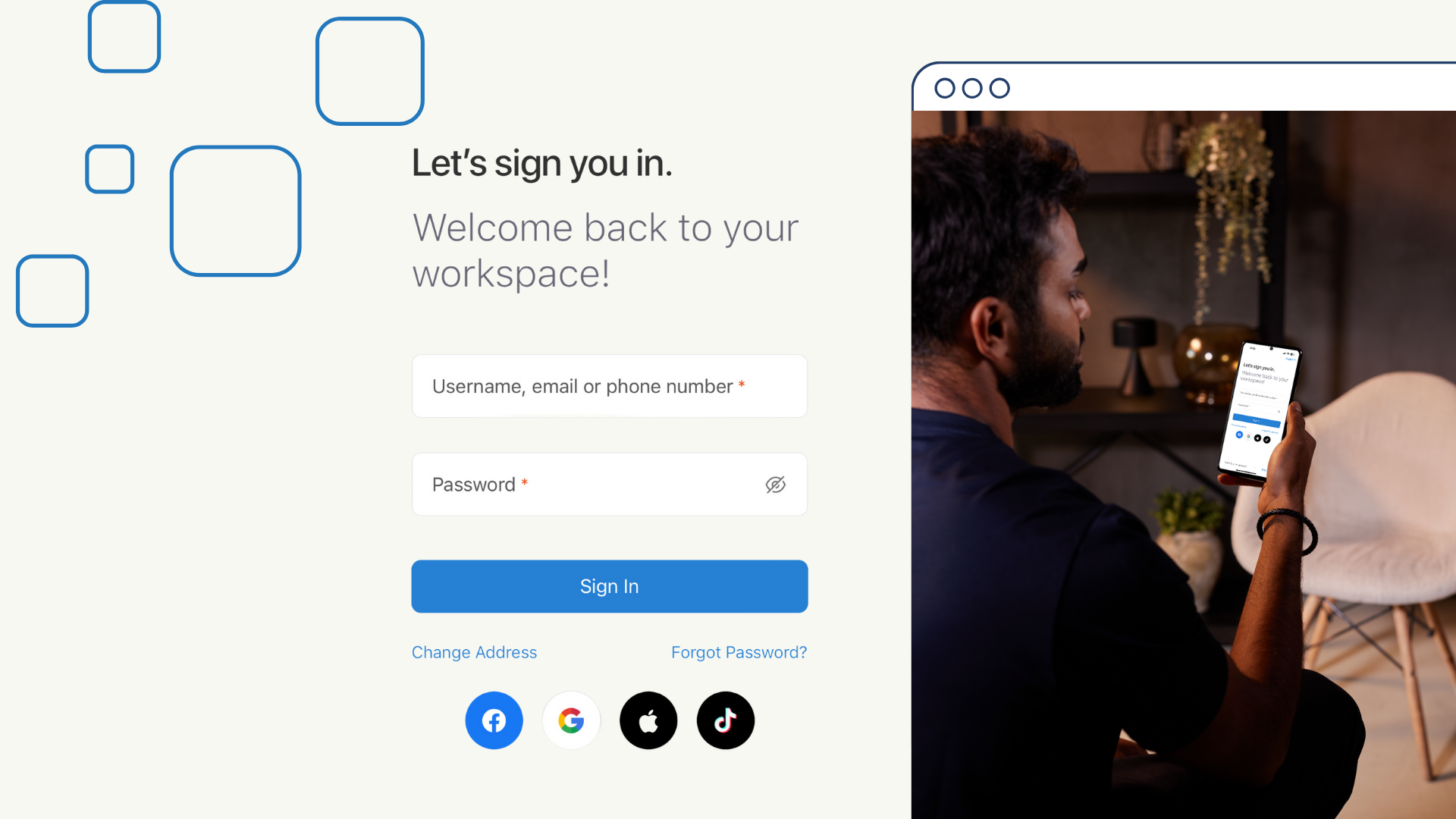
New Feature: Go Live from Your Web Browser With Webcam
Users can now go live directly from their browser via webcam, bringing instant, authentic moments to your community in real-time. No extra software. Just plug in your webcam, click a button, and start streaming. It’s perfect for community announcements, casual sharing, or spontaneous engagement.
? Webcam Streaming vs. OBS — What’s the Difference?
You can keep using OBS for those detailed, production-quality streams — but now you also have a faster, easier way to connect. Whether you’re starting a livestream in seconds or planning a professional session, phpFox Live has you covered.
Here’s a quick side-by-side look at Webcam Streaming and OBS to help you choose the right fit for your needs.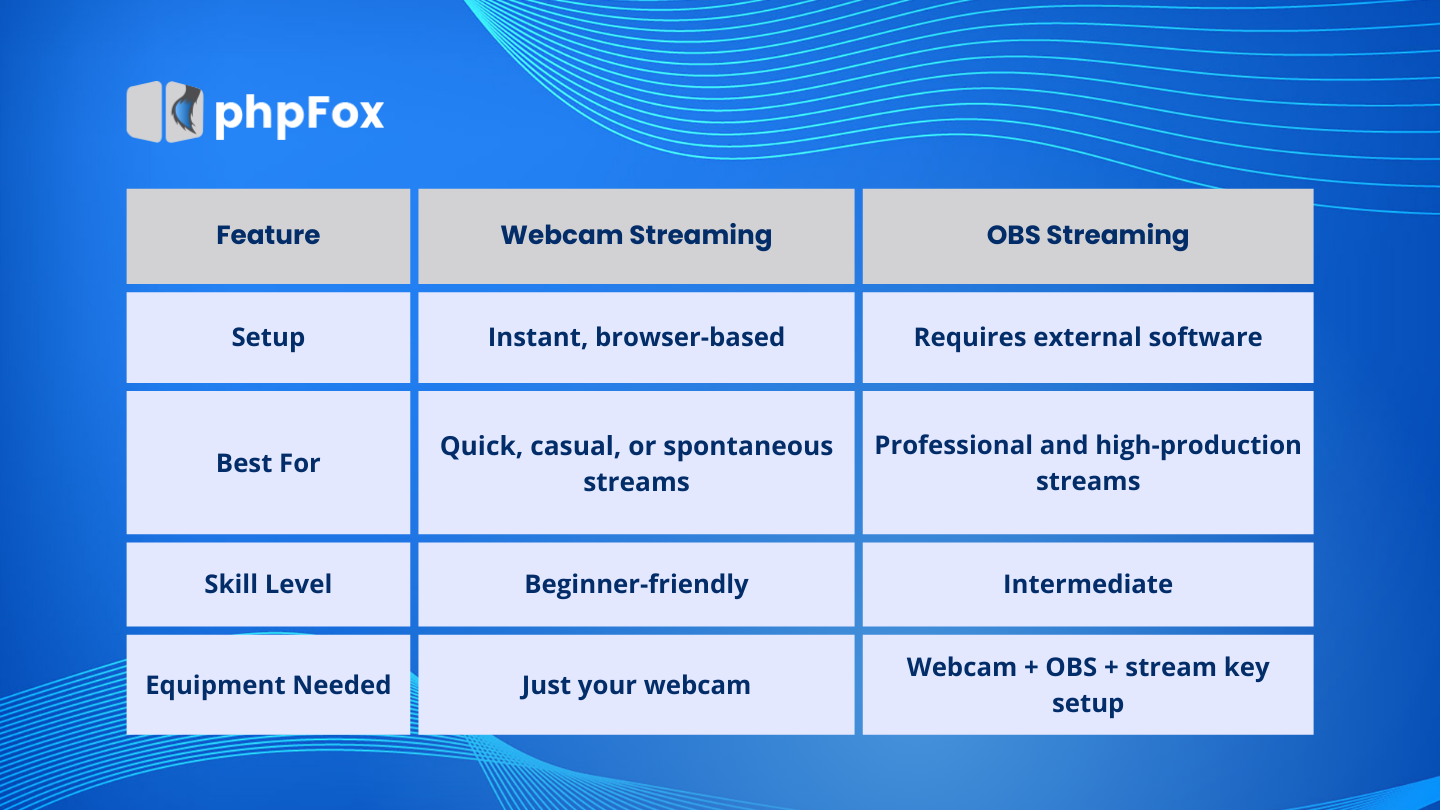
⚠️ Important Note:
To go live via webcam, you’ll need to set up a transcoder server for live video streaming. Don’t worry — it’s a one-time setup! You can follow our step-by-step setup guide here, or simply open a support ticket and our team will gladly assist you.